Plans, follow-through, and reminders
The quiet follow-through layer.
- Reminders
- Daily plan
- Checklists
- Calendar
Reminders, research, messages, websites, connected work, and phone-ready pages. Currently available on macOS.
Send a quick text, forward a file, or drop a voice note. Rosi can reply in the moment, remember the important parts, and pick things back up later without making you manage yet another app.
A Few Everyday Examples
Rosi remembers your places, preferences, and past choices, so every new request starts from context instead of from scratch.
Rosi can compare products, look up companies and people, check what is new, and turn that into a clear answer you can actually use.
When chat is not the best format, Rosi can turn a task into a simple page, checklist, or tracker you can open from your phone.
Everything You Can Hand Off
Use Rosi for the small daily things, the annoying follow-up, the research you keep putting off, the outreach you need to prep, and the quick web tasks that are easier to finish than to remember.
The quiet follow-through layer.
Where you already are.
Read, draft, retrieve.
Decide with confidence.
Find the real human.
A page on your phone, on demand.
Getting started
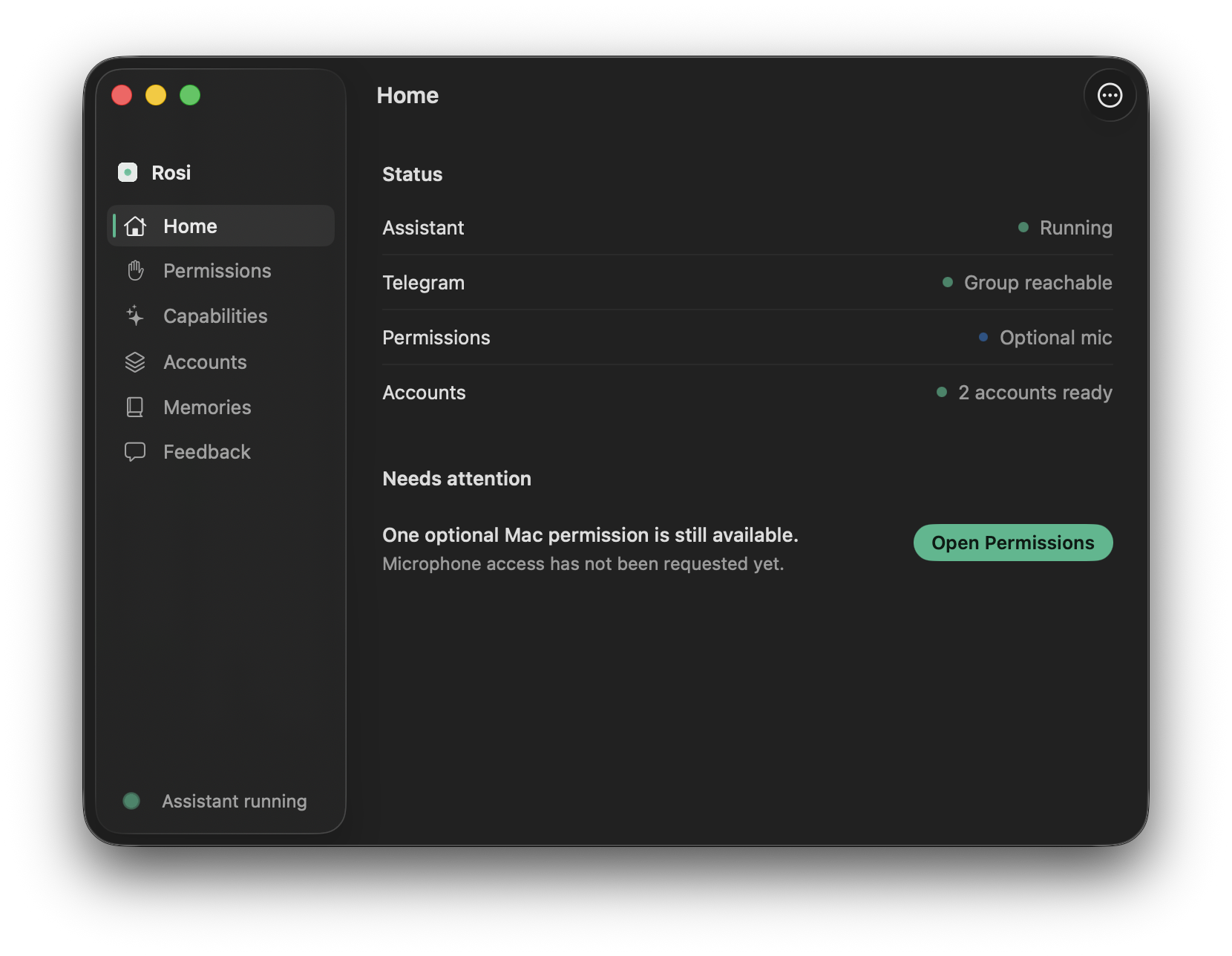
Install Rosi on your Mac and tell it who you are so it can sound personal from day one.
Message Rosi where you already are, and bring in the accounts or information you want it to help with.
Text Rosi the way you would text a trusted assistant. It can reply now, remember for later, and follow through quietly in the background.
The personal assistant you message when real life needs follow-through.
Currently available on macOS, with Telegram as the first messaging home.