1,000+ services. One assistant.
Connect Rosi to the services you already use—from Instagram, LinkedIn, Slack, and Notion to Google Drive, Docs, Supabase, Convex, and ClickUp. Ask once; Rosi can find the right capability and work across them.
Personal assistance, from your Mac
Rosi is a personal assistant you message from Telegram. It can work across 1,000+ services, search and crawl the live web, adapt to how you work, and follow through from your Mac—well beyond a one-off chat answer.
Available for macOS · Free trial by invitation
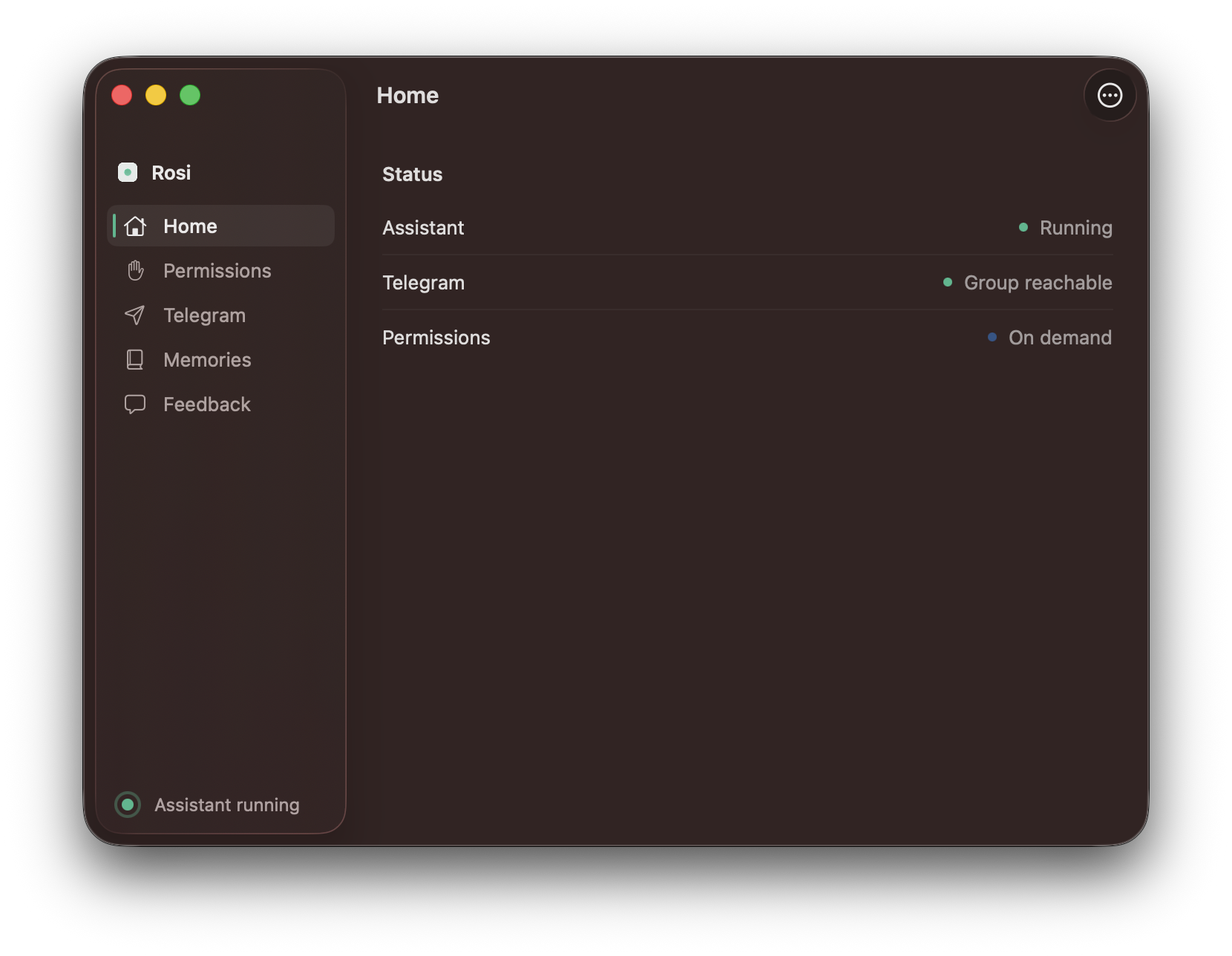
Runs quietly in the background on your Mac
One message is enough
No dashboards to manage. No special language to learn. Start with what is on your mind.
Why Rosi
Rosi can act across the services you already use, find current information, and carry context into tomorrow—so a conversation can become ongoing work.
Connect Rosi to the services you already use—from Instagram, LinkedIn, Slack, and Notion to Google Drive, Docs, Supabase, Convex, and ClickUp. Ask once; Rosi can find the right capability and work across them.
Rosi can pull the latest news, compare products, look up companies and people, check the weather, and crawl a website on demand to turn its pages into useful, source-backed data.
Journal with Rosi, maintain ledgers for workouts or any ongoing practice, save lasting memories, keep context across projects, and schedule work or daily briefs that use what came before.
Rosi learns your preferences, routines, and working style, so its help becomes more relevant over time. You can also create reusable skills for the way you work—and those skills remain fully owned by you.
Rosi will coordinate multiple research agents across parallel lines of inquiry, inspect the evidence, and return a clear synthesis for complex topics—not a shallow list of links.
Personal by design
Core assistant state lives on your Mac. You choose what Rosi can access, which accounts to connect, and what it should remember. You can create your own reusable skills and keep full ownership of them. Permissions are requested when they are useful—not as a wall of setup screens.
Read the plain-language privacy summaryGetting started
Sign in, add your Telegram bot, and start the assistant.
Open Telegram and talk the same way you would to a trusted assistant.
Add access or connected accounts only when they make a task more useful.
Free trial
Tell us where to send your invitation. We are opening Rosi to a small number of Mac users while we polish the experience.
Request a spotA short note helps us understand your day.
Receive your invitationWe will email setup details when a spot opens.
Start your free trialInstall Rosi on macOS and begin in Telegram.